Blog
Practical tutorials and tips on image, compression, formats, and performance.
95 posts · Page 5 of 8
-
 Tutorials
Photoshop AI vs Luminar Neo vs Canva for Instagram 2026
For adobe photoshop ai features vs luminar vs canva ai 2026, the practical winner depends on what you ship most: portraits, products, or template-led posts. Photoshop leads for precise generative edits, Luminar Neo shines for fast photo-first enhancement, and Canva wins for branded layouts. I’d p...
-
 Image Editing
Best Photo Editing Software 2026: Pick Your Workflow
Best photo editing software 2026 is really just the editor that matches how you work: quick fixes and exports, organized RAW processing, or pixel-level retouching with layers. Choose based on what you edit most (products, portraits, social posts), your device (especially Mac), and how fast you ne...
-
 Tutorials
How to Enlarge Images Without Losing Quality (2026 Guide)
To resize images and make them larger without losing quality, you should use an AI image upscaler. These tools intelligently analyze your picture and generate new pixels that blend in ly, preserving details and sharpness. This process avoids the blocky pixelation of traditional resizing, making i...
-
 Tutorials
AI Headshot Generators: Your 2026 Guide to Professional Portraits
An AI headshot generator creates professional-looking portraits using artificial intelligence, transforming your casual photos into polished, studio-quality images. These tools analyze your uploaded pictures, then apply various styles, lighting, and backgrounds to produce diverse headshot options...
-
 Tool Reviews
Escape Adobe: 7 Best Lightroom Alternatives Tested (2026)
If you’re looking for the best Lightroom alternative in 2026, you’re probably juggling powerful editing features with flexible pricing. It’s a tough balance. Luminar Neo is a big name, mostly for its AI-smarts and one-time purchase option, while Capture One is the go-to for pros needing top-tier ...
-
 AI Image Tools
Best Background Remover Tools 2026: Edge-Test Benchmark
Photoshop AI vs Canva AI vs Luminar vs Pixlr vs remove.bg in 2026 really comes down to one thing: edge quality at the resolution you actually need. If you sell products or post social visuals, I’d pick a remover that handles hair, glass, and shadows cleanly, then exports a transparent PNG/WebP wi...
-
 Design Tips
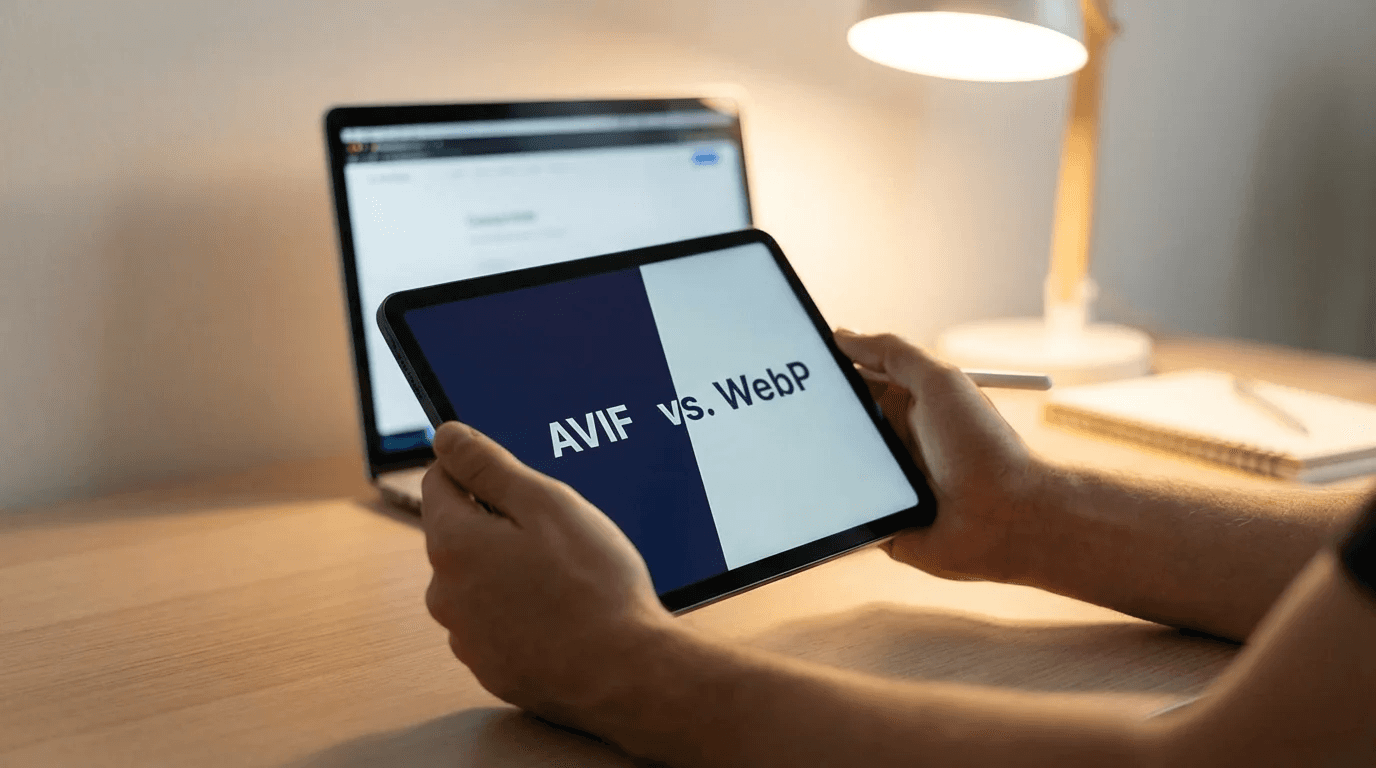
Image File Type Guide: Choosing JPEG, PNG, or WebP for Web
The best image file type for the web is typically WebP, as it offers superior compression and quality compared to older formats. For photos, JPEG remains a solid fallback, while PNG is ideal for graphics requiring transparency. Newer formats like AVIF provide even better performance but have less...
-
 AI Image Tools
Free vs Paid AI Image Generators 2026: Which is Right for You?
The core difference in the free vs paid AI image generators 2026 debate comes down to control and commercial readiness. Free tools are excellent for quick drafts and experimentation. Paid tools, in contrast, provide advanced editing, consistent outputs, and clear commercial licensing, making them...
- Tutorials
How to Get a White Background for Product Photography (2026)
The fastest way to get a perfect white background for product photos? Use an AI-powered tool. It automatically removes the original background and swaps it with a pure white one (RGB 255, 255, 255). Honestly, this method is way faster and more reliable than messing with traditional studio setups....
-
 Image Editing
The Best Photoshop Alternatives in 2026 (Free & Pro Tools)
The best Photoshop alternatives for 2026 are Affinity Photo for professionals seeking a one-time purchase, Luminar Neo for AI-powered enhancements, and Photopea for free, browser-based edits. Each option excels in a specific area, offering powerful features without Adobe’s mandatory subscription,...
-
 Tutorials
How to Convert Images to WebP for a Faster Website
To convert an image to WebP, use a free online tool to upload your JPG or PNG file and download the converted version. This modern format, developed by Google, creates significantly smaller file sizes without sacrificing visual quality. The primary benefit is faster website loading times, which i...
-
 Tutorials
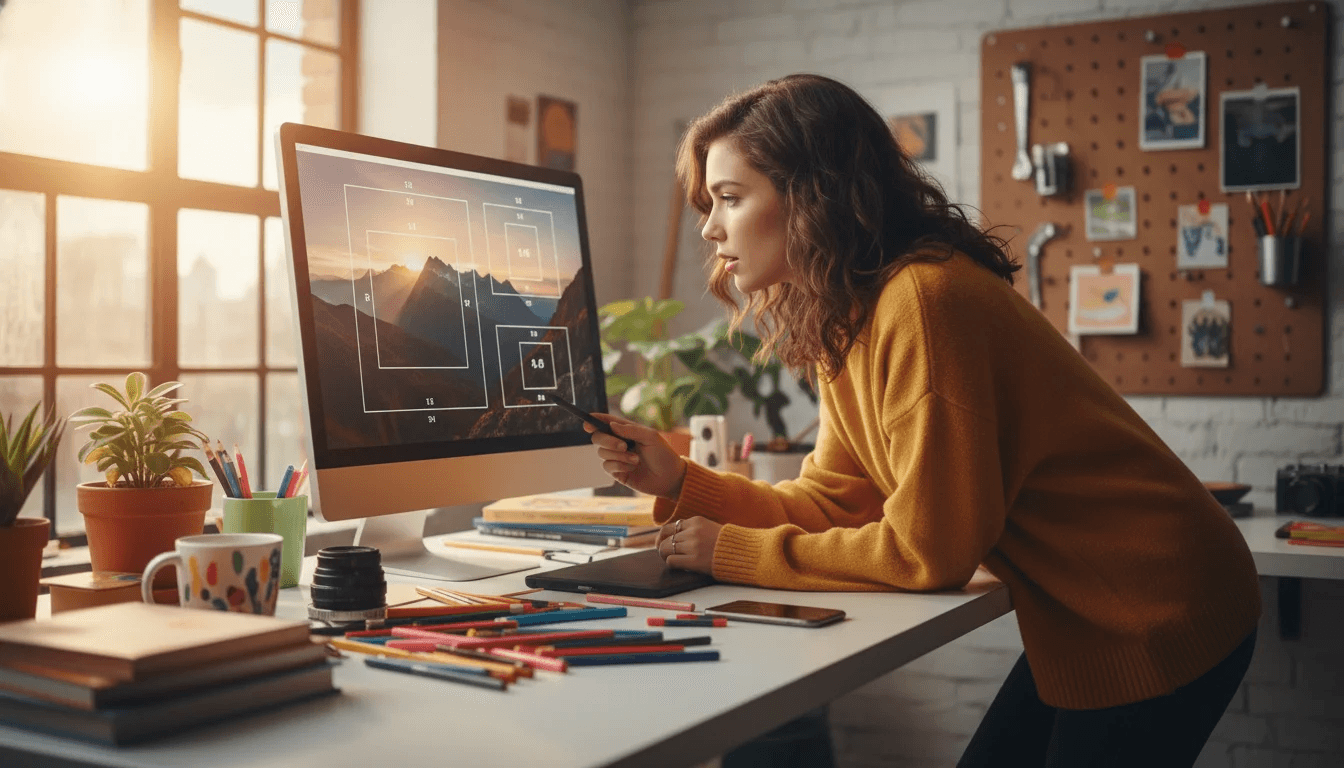
Free-Cropping Guide: Break Free from Standard Aspect Ratios
Free-cropping involves trimming an image based on composition and feel, ignoring standard dimensions like 4:5 or 2:3. Standard aspect ratios, on the other hand, adhere to predefined width-to-height proportions for printing and display consistency. Free-cropping prioritizes artistic vision over te...


