How to compress image online in your browser
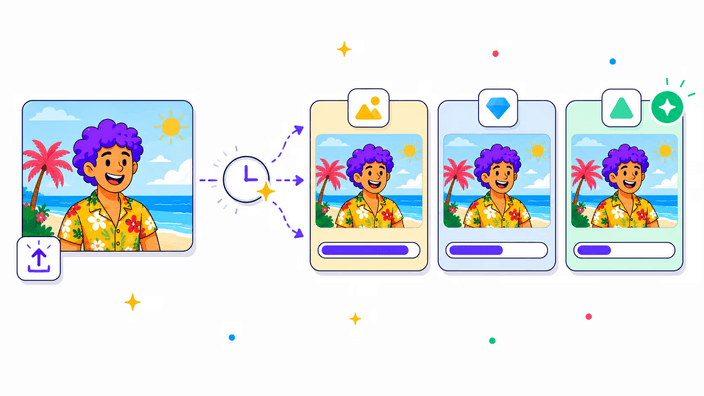
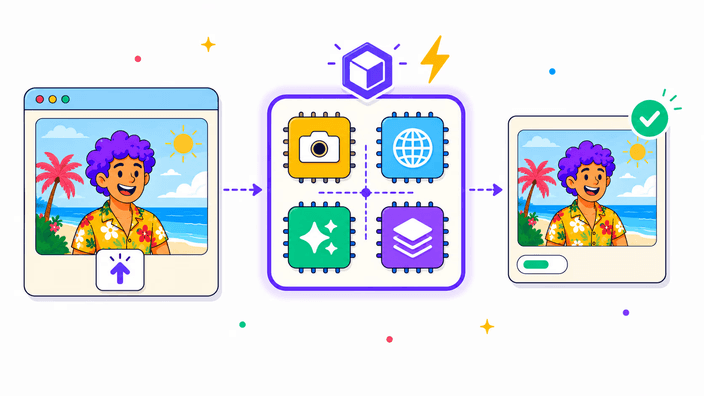
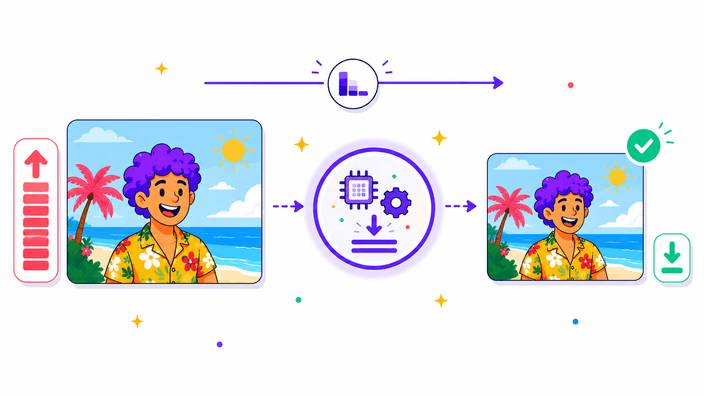
Upload image and the tool takes it as JPG, PNG, WebP, or AVIF and makes a smaller copy. Lossy formats get re-encoded at the quality level you pick. Lower quality means smaller file, until visible artifacts appear. You watch the live split-view preview and the live file-size counter as you drag the slider, so you can pick the lowest quality that still looks right. Output keeps the original dimensions. To reduce pixel size too, use the Resize tool first.