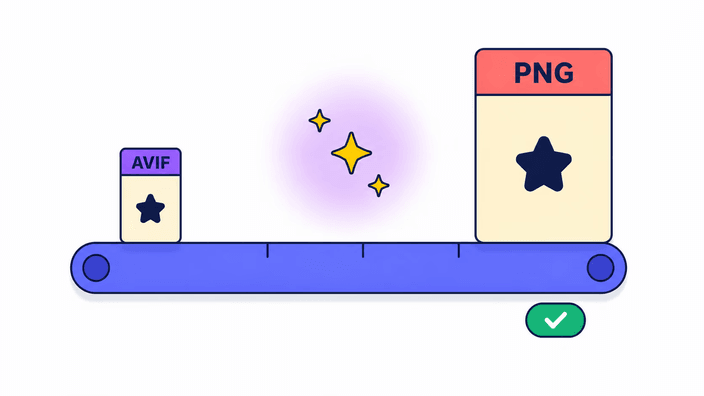
How to convert AVIF to PNG
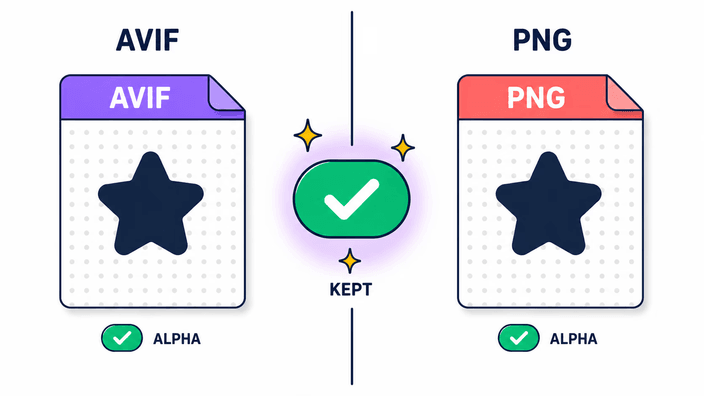
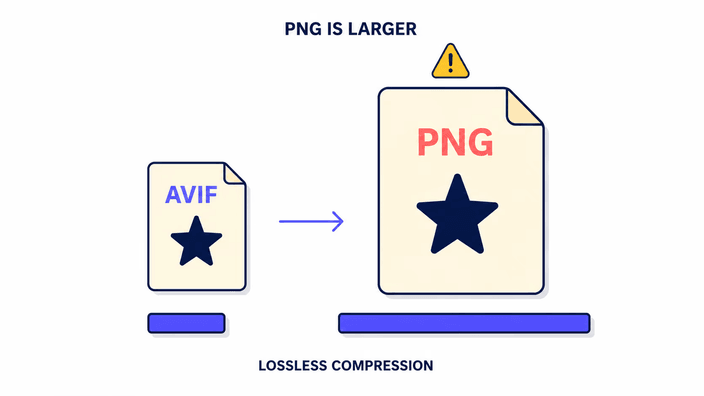
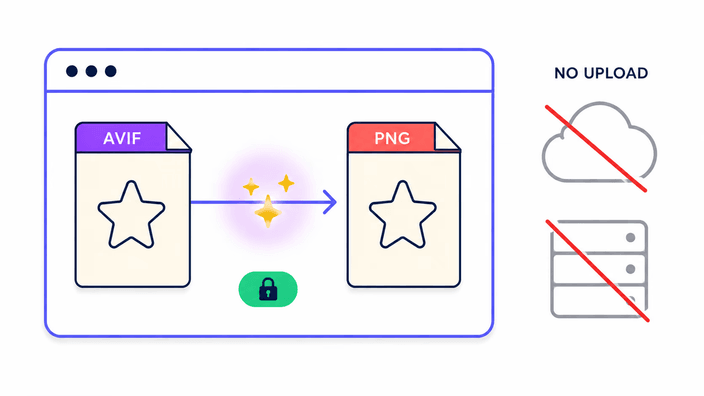
Drop an AVIF file on the upload area (or click to pick one). The conversion runs the moment the file lands, there is no "Convert" button to chase. Your browser decodes the AVIF natively (Chrome, Firefox, Safari 16 and later all read AVIF without any plugin), then the pixels are re-encoded as a lossless PNG using the platform's built-in encoder. When the result is ready, the stats line shows the input and output size, and the Download button saves the PNG to your device with the same filename and a new .png extension.